Insighter Debugger
Debug GTM, GA4, Google Ads, Meta & TikTok Pixels — All in One Place. The ultimate debugging tool for marketing professionals and developers.
255+ Users
Pro Features
Zero Data Collection
Debug GTM, GA4, Google Ads, Meta & TikTok Pixels — All in One Place. The ultimate debugging tool for marketing professionals and developers.
Debugging marketing tracking shouldn't be this painful
Opening 5+ different extensions just to debug your marketing pixels. Each tool shows only a piece of the puzzle.
Switching between multiple tabs, developer tools, console logs, and network panels wastes hours every week.
Missing tracking events silently slip through, no visibility into Consent Mode v2, and critical issues go unnoticed.
Hours spent debugging pixels that could be invested in strategy and optimization instead.
Everything you need to debug tracking in one powerful tool
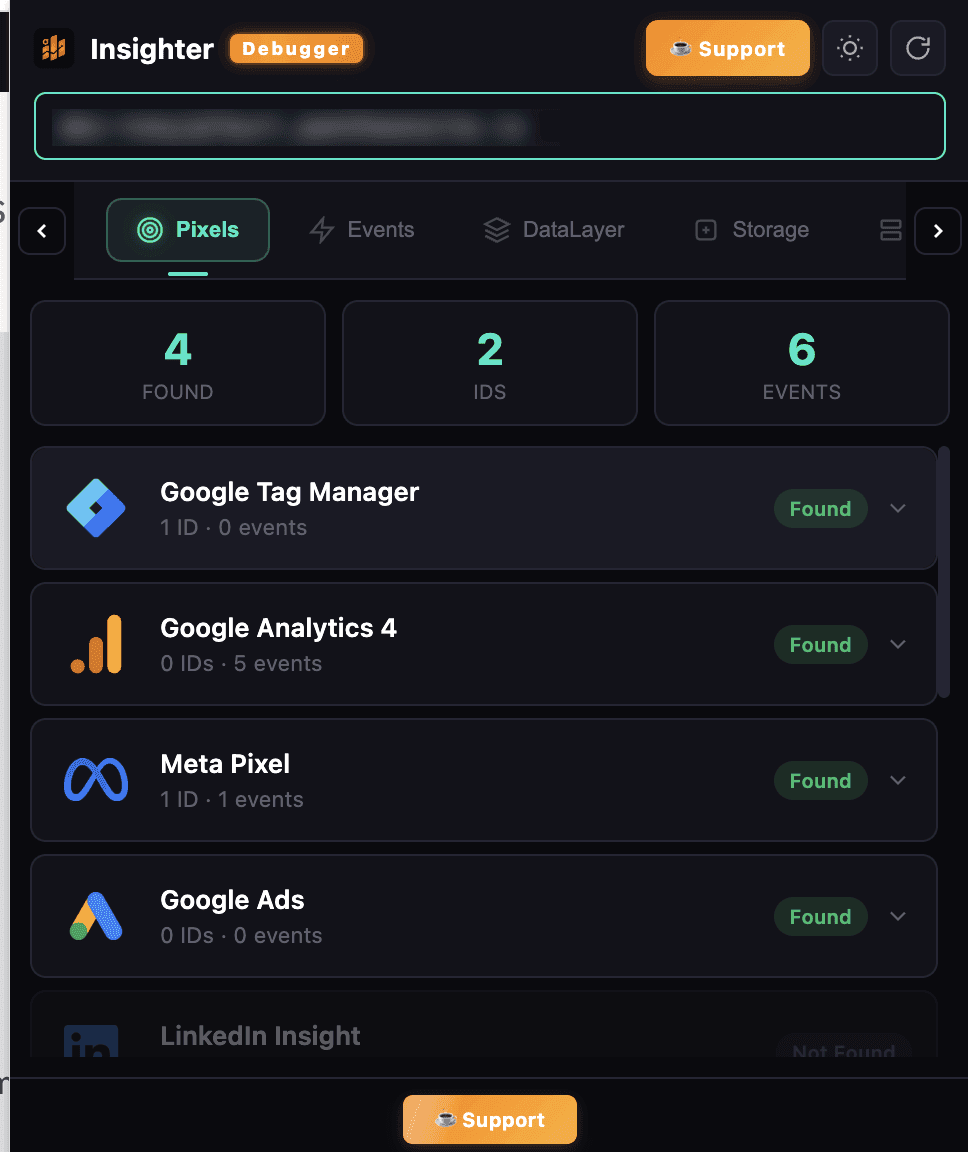
Detect GA4, Meta, GTM, Google Ads, TikTok, LinkedIn & 200+ platforms with IDs, events & SST status.
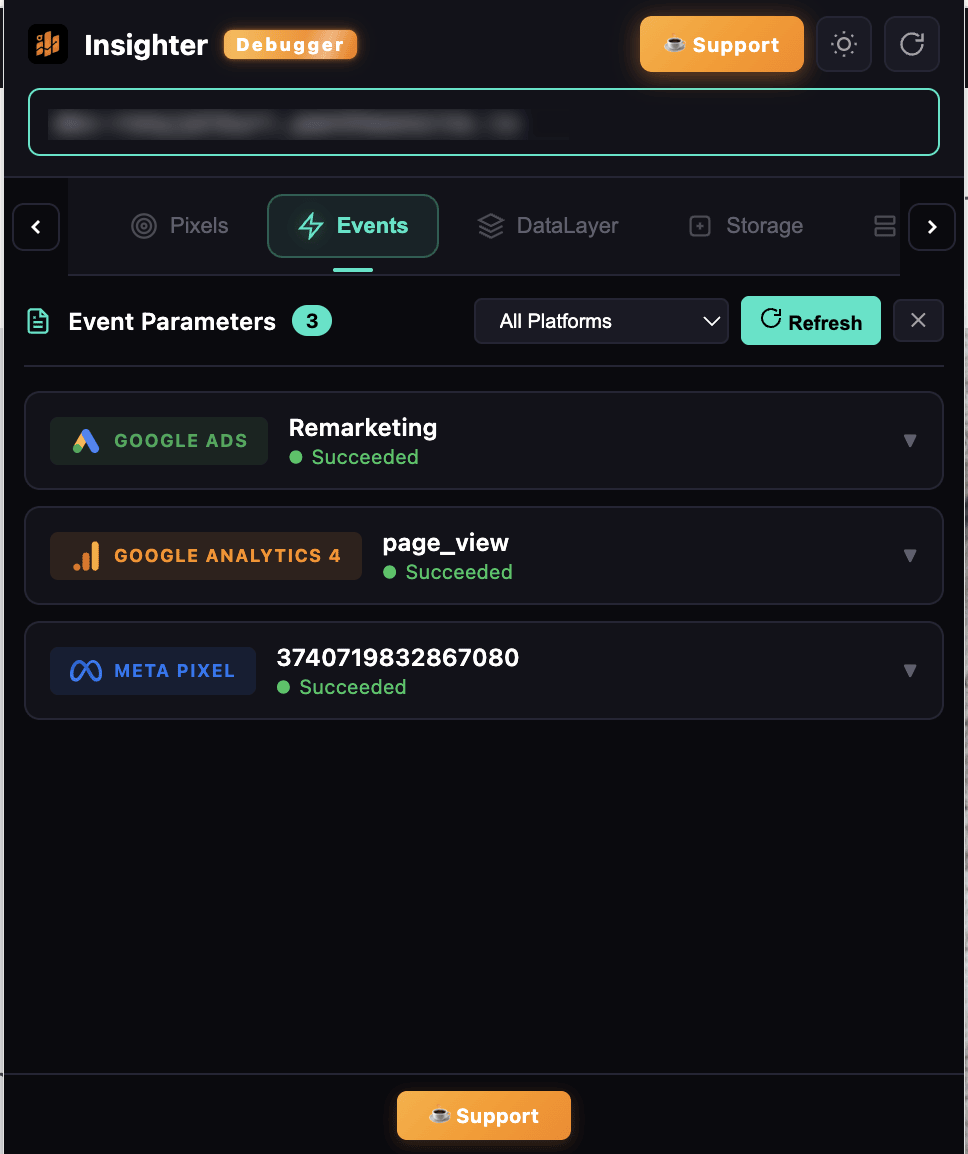
Watch every tracking event fire in real-time with full payload, parameters & request details.
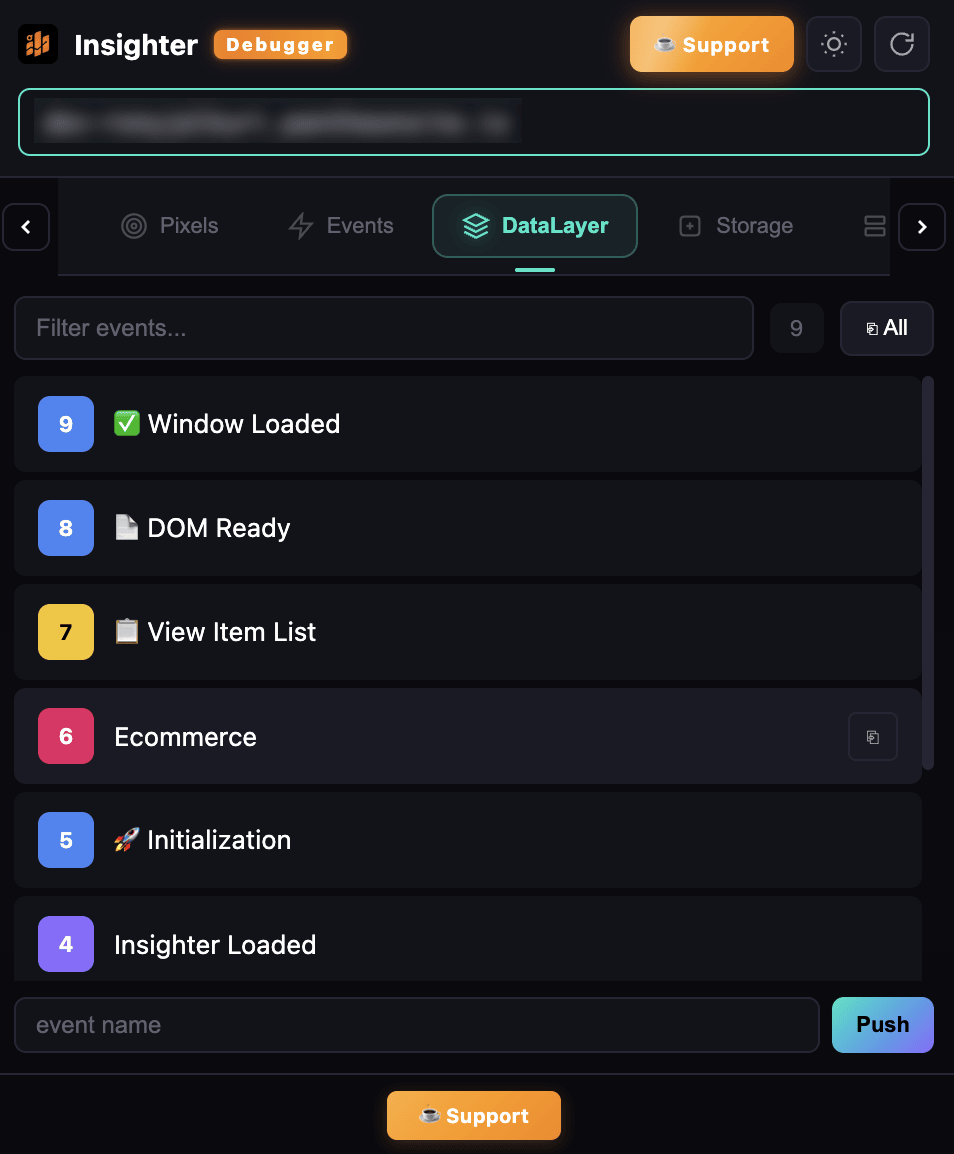
Deep-inspect dataLayer pushes with search, filter, friendly labels & expandable tree view.
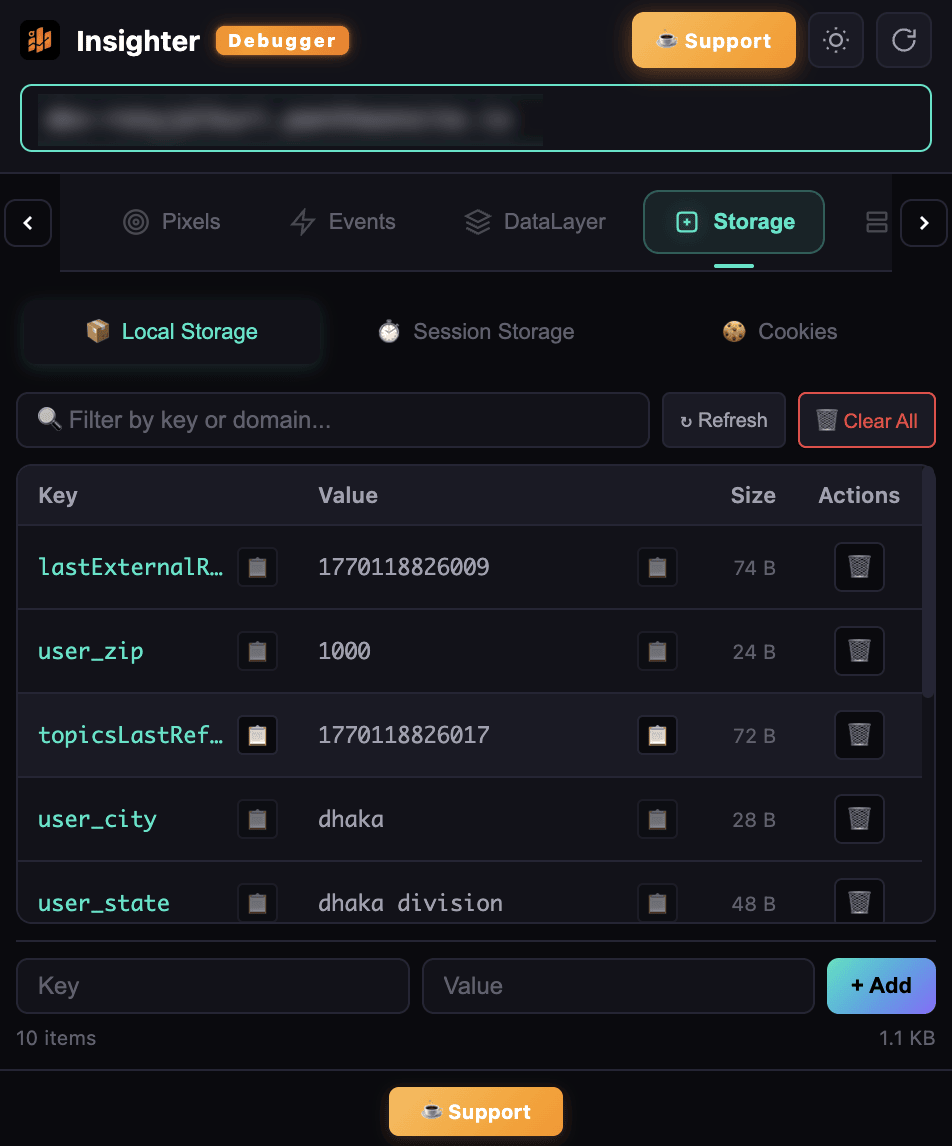
View, edit & delete cookies, localStorage & sessionStorage with size tracking & filtering.
Identify 200+ technologies: CMS, frameworks, CDN, hosting, analytics & marketing tools.
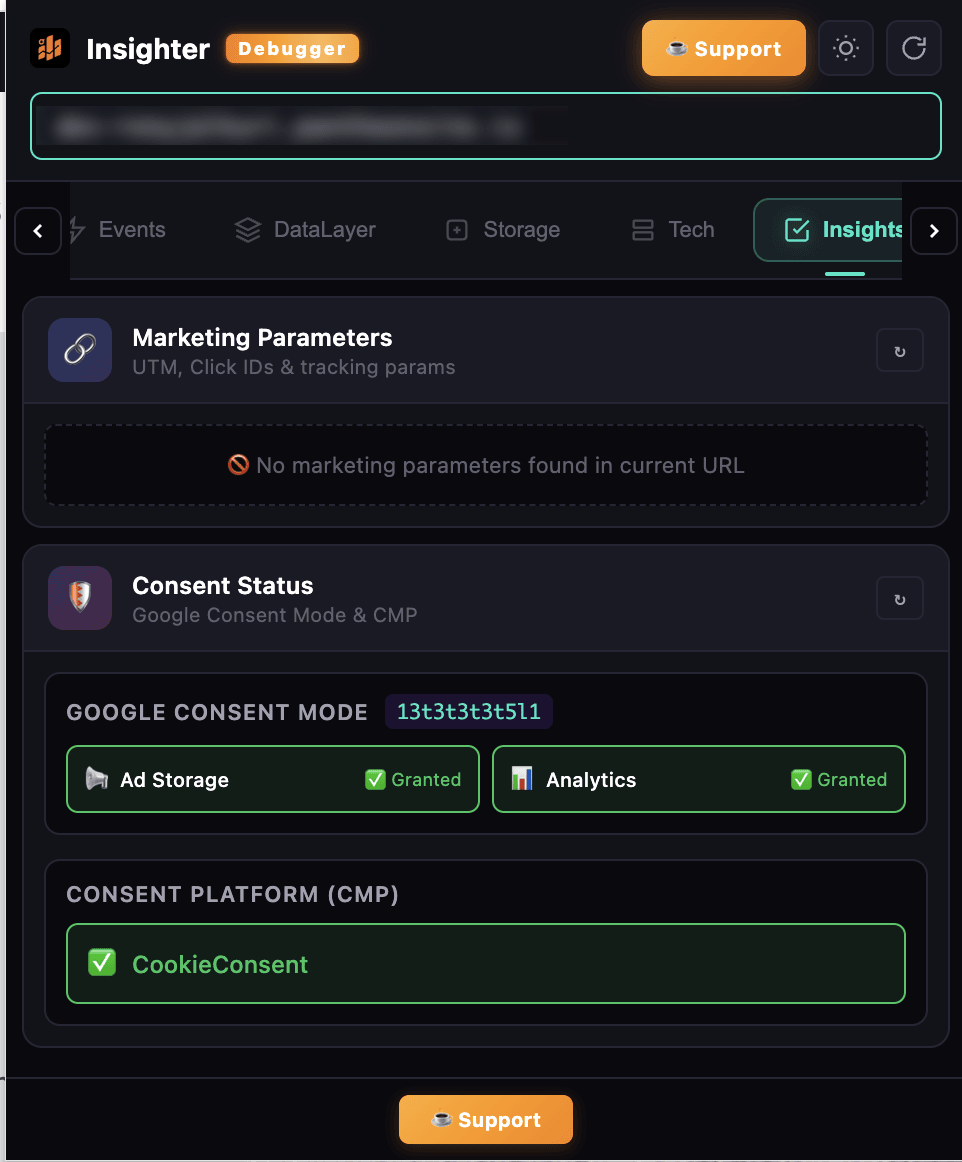
Check Google Consent Mode GCS/GCD states & detect 15+ CMP platforms including OneTrust & Cookiebot.
Load and preview any GTM container on any website for debugging — perfect for audits & QA.
UTM parameters, network request monitoring & automated health diagnostics for your tracking setup.
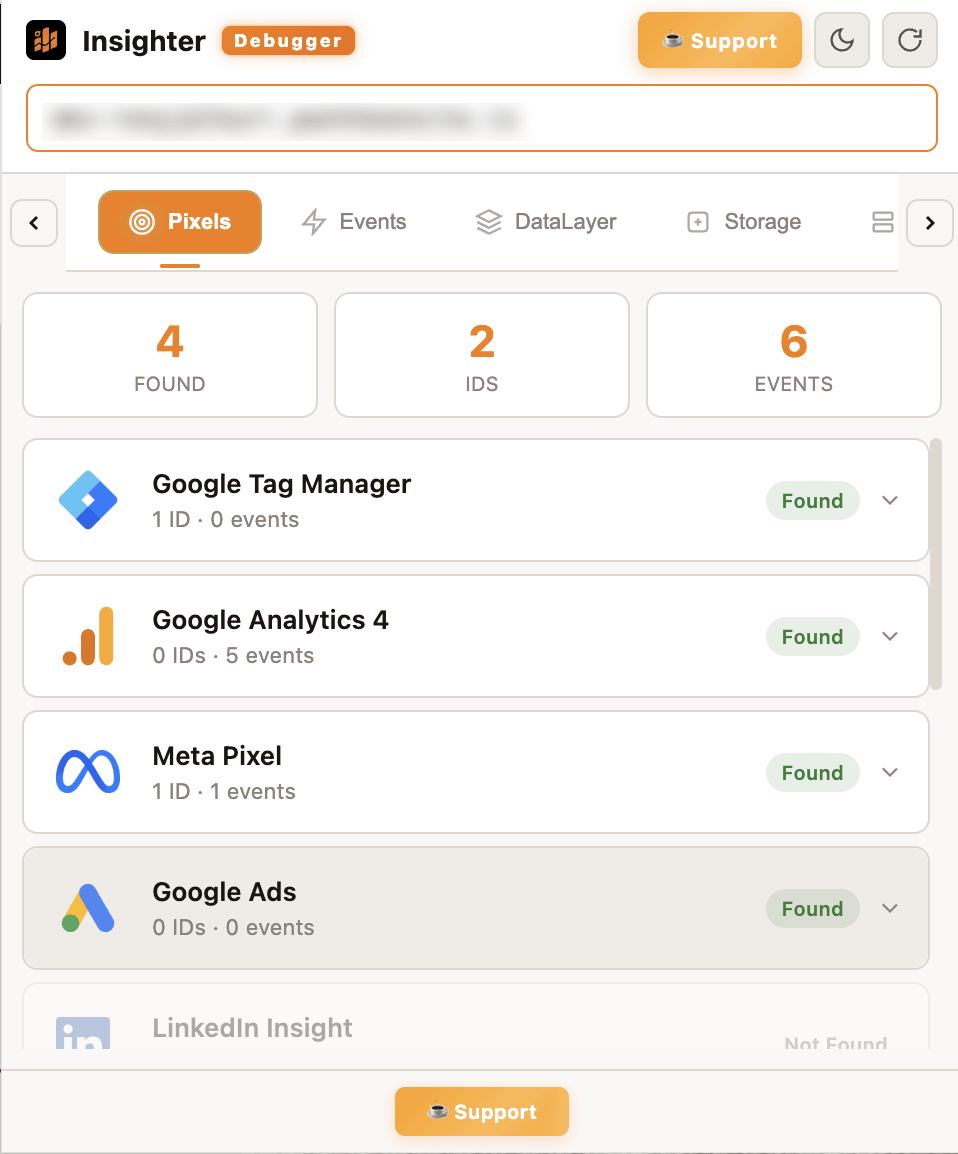
Beautiful UI with smooth theme switching & premium animated elements for comfortable debugging.
Built for professionals who demand accuracy in their tracking
Your data stays where it belongs — on your machine
All debugging happens locally in your browser. Nothing leaves your machine.
We don't collect, store, or transmit any data. Period.
Your data and your clients' data stay completely private and secure.
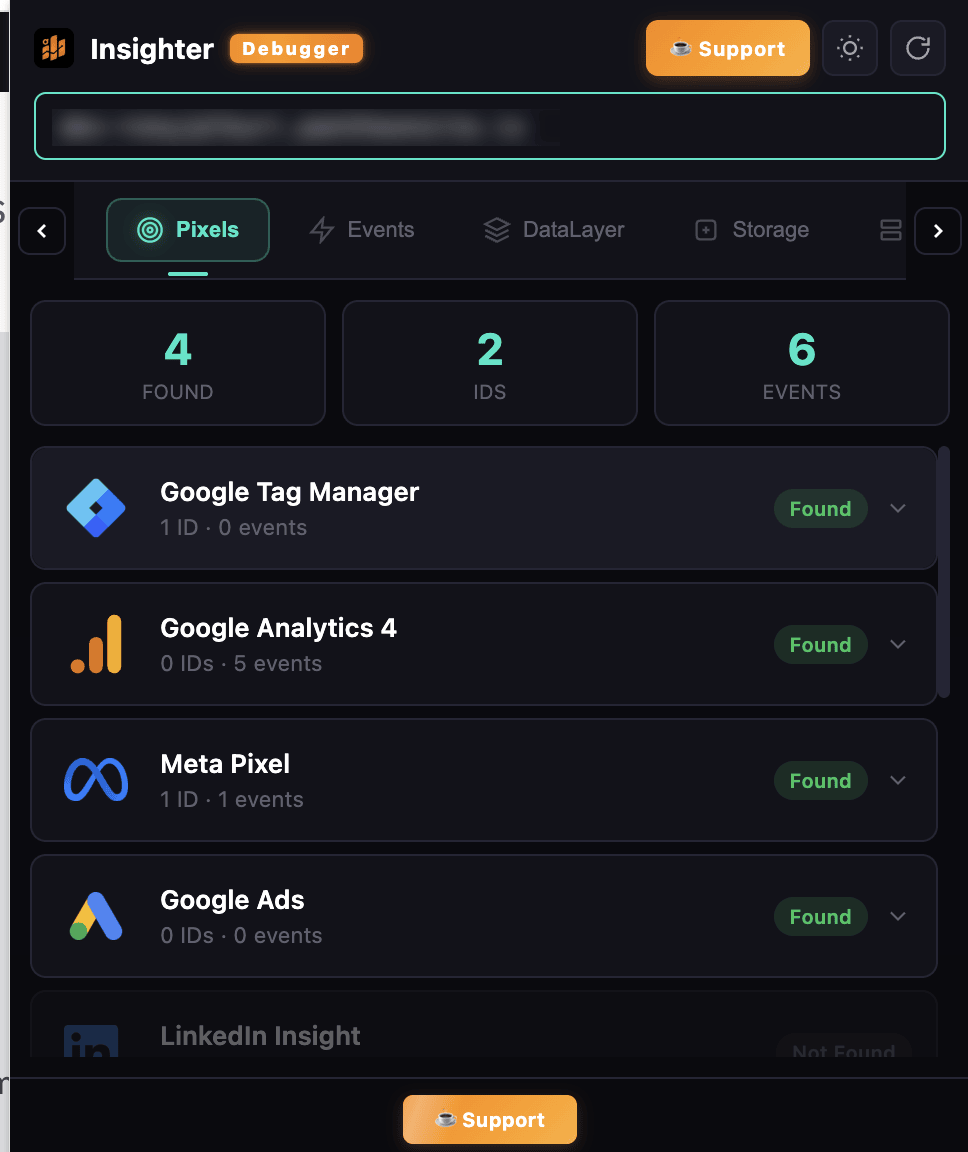
A glimpse of the Insighter Debugger interface
5.0 rating on Chrome Web Store
"Finally, a debugger that works! This extension has become essential for our team's daily workflow. Clean interface and incredibly powerful."
"Saves me hours every week. The dataLayer explorer alone is worth installing this extension. Highly recommend for anyone working with GTM."
"Best debugging tool I've used. Supports all the platforms we need and the privacy-first approach is exactly what we need for client work."
Insighter Debugger includes essential debugging features, with Pro features available for advanced users who need parameter guides, SEO inspector, storage manager, and more.
No. Everything runs locally in your browser. Zero data collection. We never see, store, or transmit any data from your browsing or debugging sessions.
Over 200 tracking technologies including Google Tag Manager, Google Analytics 4, Google Ads, Meta Pixel, TikTok Pixel, LinkedIn Insight Tag, and many more.
Yes, it works on any website you visit in Chrome. Simply install the extension and start debugging any site's tracking implementation.
Click the "Add to Chrome" button above, confirm the installation in Chrome, and it's ready to use instantly. No configuration needed.
Join 255+ marketers and developers who trust Insighter Debugger for their tracking needs.